
Custom Menu Ordering
BeerMenus now offers custom menu ordering and reordering for all menu sections. Below is a setp by step on how to order your menu items.
- Type in a menu item and select a the MENU SECTION option:
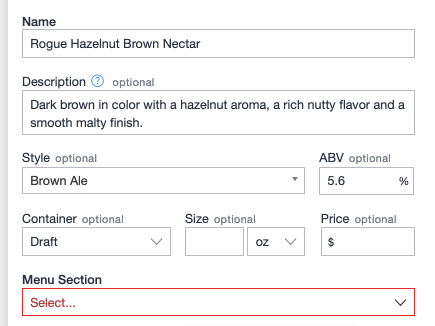
- Select "create a custom menu section +"
- Type in your section name and select CUSTOM ORDER. You can show the menu items in any order with or without numbering:
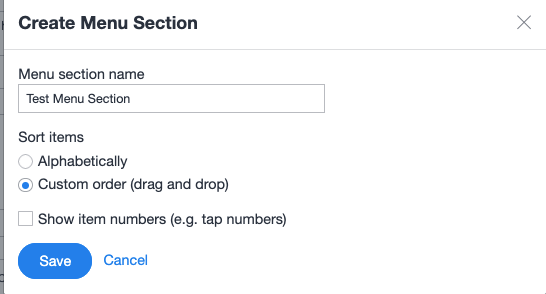
- Click Save to create the menu section and you are ready to go
Check out this article on how to move menu items as well!
https://help.beermenus.com/article/270-custom-sorting-on-web-menus